In today’s fast-paced world, keeping students engaged in the classroom is a major challenge for educators. Traditional teaching methods often struggle to hold attention, leading to disengaged learners and missed opportunities for deep understanding. Minecraft Education offers a game-changing solution by transforming lessons into immersive, interactive experiences that foster creativity and critical thinking.
This version of the popular game is designed specifically for schools, allowing teachers to integrate subjects like math, science, and history into a virtual world where students build, explore, and collaborate. Whether you’re a teacher looking to spice up your curriculum or a parent curious about educational tech, this guide will show you how Minecraft Education can revolutionize learning. Let’s dive in and discover its potential.
What Is Minecraft Education?
Minecraft Education is an educational spin on the blockbuster game Minecraft, tailored for classroom use. Launched by Microsoft, it turns the sandbox-style gameplay into a tool for teaching core skills and concepts. Unlike the standard version, it includes built-in features that support structured learning environments.
At its core, the game lets players create worlds using blocks, but in this edition, educators can guide activities toward specific educational goals. It’s used in thousands of schools worldwide, helping students from elementary to high school levels. The platform emphasizes safe, collaborative play, making it ideal for group projects.
Key Features of Minecraft Education
Minecraft Education packs a punch with tools designed for teachers and students alike. Here are some standout features:
- Classroom Mode: A companion app that lets teachers monitor student progress, manage worlds, and control gameplay elements like freezing time or teleporting players.
- Chemistry Resource Pack: Allows students to experiment with elements and compounds in a virtual lab, bringing science to life without real-world risks.
- Code Builder: Integrates coding lessons using tools like MakeCode or Python, teaching programming basics through in-game commands.
- Lesson Library: Hundreds of pre-made lessons covering topics from history to environmental science, ready for immediate use.
- Multiplayer Collaboration: Secure servers for up to 30 players, promoting teamwork and communication in a controlled setting.
These features make Minecraft Education more than just a game—it’s a versatile educational platform. Teachers can customize worlds to fit their lesson plans, ensuring relevance to curriculum standards.
Benefits of Using Minecraft Education in the Classroom
Integrating Minecraft Education into teaching yields numerous advantages for both students and educators. It boosts engagement by turning abstract concepts into tangible experiences. For instance, building a historical monument helps students grasp architecture and timelines in a hands-on way.
One major benefit is the development of future-ready skills. Students practice problem-solving as they navigate challenges, like designing sustainable cities to address environmental issues. It also nurtures creativity, encouraging out-of-the-box thinking in a low-stakes environment.
Enhancing Specific Subject Areas
Minecraft Education shines across various disciplines. In math, kids can visualize geometry by constructing shapes and calculating volumes. Science lessons come alive through simulations of ecosystems or chemical reactions.
Social studies benefit from recreating historical events, such as World War I battles or ancient civilizations. Even language arts improve, as students craft stories or debate in-game scenarios. This cross-curricular approach makes learning holistic and fun.
Supporting Diverse Learners
The game’s adaptability is a boon for inclusive education. Students with learning differences, like ADHD or autism, often find it easier to focus in this interactive format. Features like adjustable difficulty levels ensure everyone can participate.
Research shows improved outcomes in areas like digital literacy and empathy. By collaborating in virtual teams, kids build social-emotional skills essential for real life. Overall, Minecraft Education creates an equitable space where all students can thrive.
How to Get Started with Minecraft Education
Getting up and running with Minecraft Education is straightforward, even for tech novices. First, check if your school qualifies for licensing through Microsoft Education. Eligible institutions can purchase subscriptions at around $5 per user per year, with trial logins available for testing.
Download the app from the official site—it supports Windows, macOS, Chromebooks, iPads, and mobile devices. Minimum requirements include a modern processor like Intel Core i3, at least 4GB RAM, and updated operating systems.
Setting Up Your First Lesson
Start small by exploring the built-in tutorial worlds. These guide you through basics like navigation and building. Then, browse the lesson library for ready-to-use activities aligned with standards like Common Core.
Invite students to join a multiplayer session via a secure code. Monitor progress with Classroom Mode to provide real-time feedback. With practice, you’ll be creating custom worlds in no time.
Minecraft Education vs. Regular Minecraft: A Comparison
Wondering how Minecraft Education stacks up against the original game? While both share the core building mechanics, the educational version adds layers for classroom safety and learning. Regular Minecraft focuses on open-ended play, whereas this edition prioritizes guided experiences.
Here’s a quick comparison table to highlight the differences:
| Feature | Minecraft Education | Regular Minecraft |
|---|---|---|
| Primary Focus | Education and collaboration | Entertainment and survival |
| Updates | Two major updates per year, education-focused | Frequent updates with new features |
| Tools for Teachers | Classroom Mode, lesson plans, code integration | None; modding required for custom tools |
| Safety Features | Secure multiplayer, chat controls | Open servers, potential for unsafe interactions |
| Content Packs | Chemistry, history, and coding resources | Optional mods and resource packs |
| Pricing | Subscription-based for schools | One-time purchase |
| Multiplayer Limit | Up to 30 in controlled worlds | Unlimited, but less managed |
This table shows why Minecraft Education is better suited for schools. It reduces risks while amplifying teaching potential.
Pros and Cons of Minecraft Education
Like any tool, Minecraft Education has its strengths and weaknesses. Weighing them helps decide if it’s right for your classroom.
Pros
- High Engagement: Turns learning into play, boosting motivation and retention.
- Versatile Applications: Covers STEM, humanities, and soft skills effectively.
- Collaborative Learning: Encourages teamwork and communication.
- Accessible Pricing: Affordable for schools with volume licensing.
- Inclusive Design: Supports diverse needs, including special education.
Cons
- Learning Curve: Teachers new to gaming may need training.
- Device Requirements: Not all schools have compatible hardware.
- Time Management: Sessions can overrun if not structured well.
- Limited Free Access: Requires payment after trial logins.
- Potential Distractions: Students might focus on fun over objectives without guidance.
Despite these drawbacks, the pros often outweigh the cons for dedicated educators.
Real-World Classroom Examples
Seeing Minecraft Education in action brings its value to life. In one math class, students built scale models of famous landmarks to practice proportions and measurements. This hands-on approach led to better understanding than worksheets alone.
Another example comes from social studies, where kids recreated World War I trenches to explore strategy and history. Teachers reported increased empathy as students simulated soldier experiences.

Building Virtual Worlds in Another Language: Enhancing Magical …
In science, the Chemistry Resource Pack lets learners mix elements virtually, avoiding lab hazards. A case study in a primary school showed improved problem-solving scores after using the game for coding challenges.
Cybersecurity lessons have students defending virtual networks, building digital literacy. These examples illustrate how Minecraft Education adapts to various grades and subjects, making abstract ideas concrete.
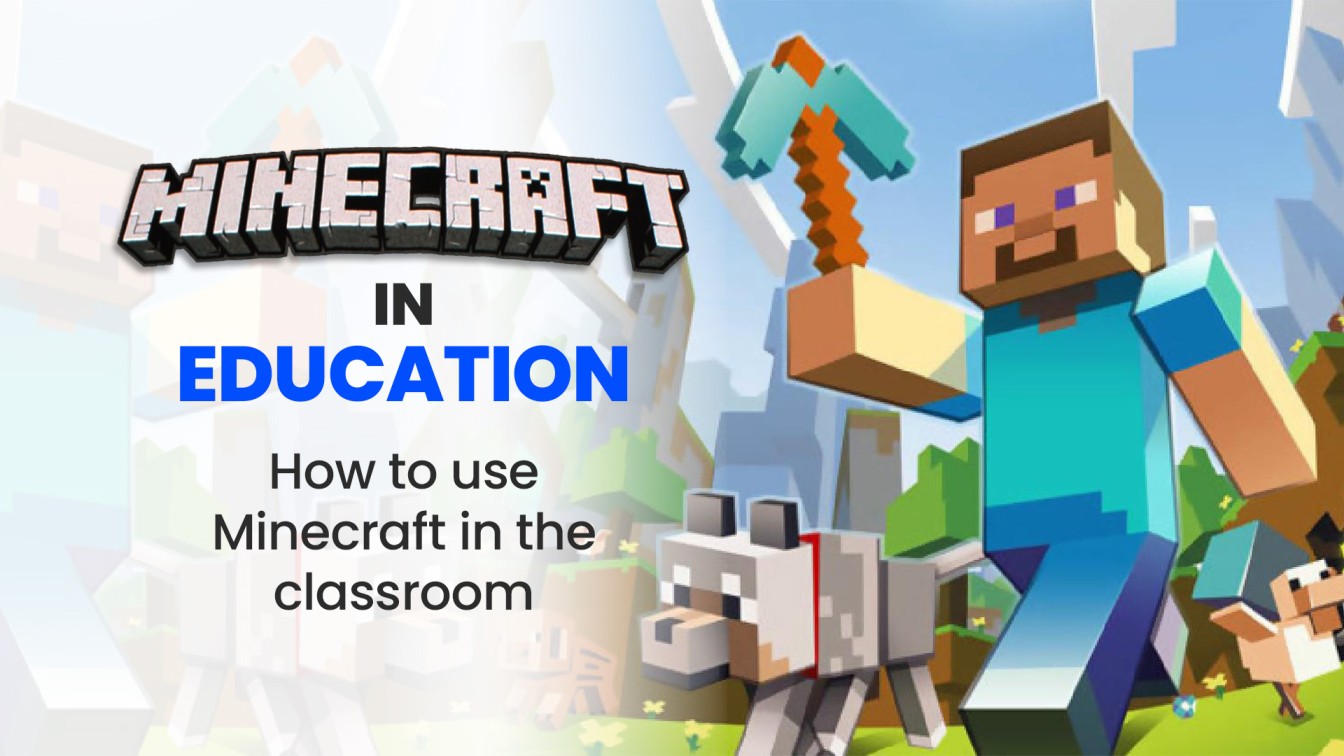
Minecraft in Education: How to Use Minecraft in the Classroom
For special education, the game’s adaptive features help students with ADHD stay focused through interactive tasks. Worldwide adoption highlights its effectiveness in diverse settings.
Conclusion
Minecraft Education stands out as a innovative way to blend play with purpose in the classroom. It addresses engagement issues by offering tools for collaboration, creativity, and skill-building across subjects. If you’re ready to elevate your teaching, exploring this platform could be your next big step.
FAQ
Is Minecraft Education Free?
No, Minecraft Education requires a subscription, typically $5 per user per year for eligible schools. However, it offers free trial logins—25 for teachers and 10 for students—to test before buying. Check Microsoft’s education portal for details.
What Devices Support Minecraft Education?
The game runs on a variety of platforms, including Windows 10+, macOS Big Sur and later, Chromebooks (version 83+), iPads, and select mobile devices. Ensure your hardware meets minimum specs like 4GB RAM and a compatible processor for smooth performance.
How Can Teachers Integrate Minecraft Education into Lessons?
Start with the built-in lesson library for pre-made activities. Customize worlds to align with your curriculum, use Classroom Mode for management, and incorporate coding for STEM. Training resources on the official site help beginners get started quickly.